10 Web Design Tips to Follow in 2016
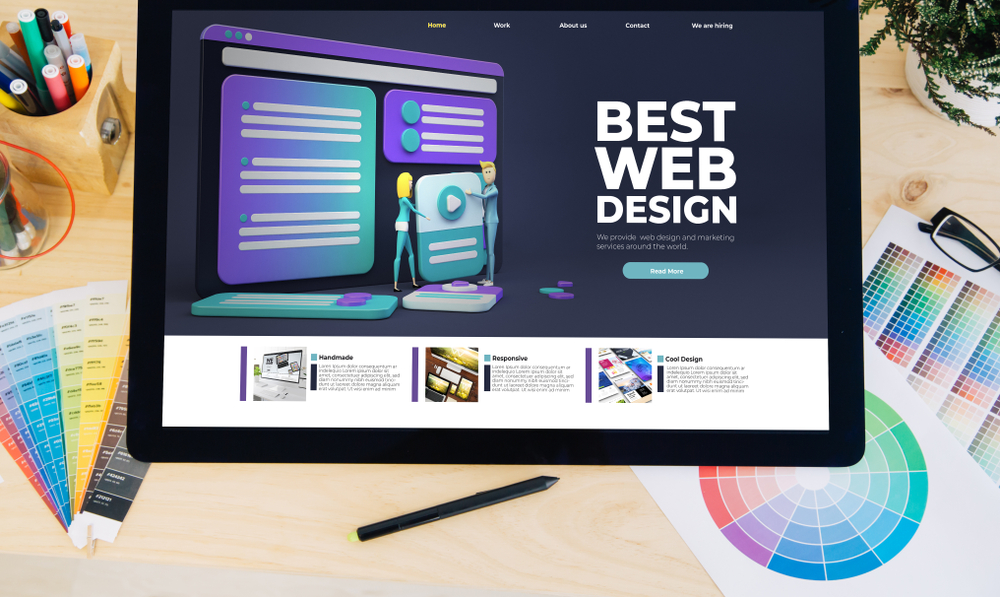
Web design trends continually evolve, but foundational usability, crisp typography, and lightning-fast loading speeds remain the hallmarks of exceptional digital experiences.
Designing for the Modern User
Today's online visitors have zero patience for cluttered layouts, sluggish loading, or confusing navigation. To build websites that engage and convert, designers must adhere to proven usability principles.
10 Practical Web Design Tips
- Prioritize Mobile Usability First: Design your layout to look and perform flawlessly on small screens before scaling up to desktop displays.
- Embrace Clean Visual Hierarchy: Use varying font sizes, weights, and contrasting colors to guide the viewer's eye naturally from headlines to primary value propositions.
- Keep Page Speeds Under 2 Seconds: Optimize image formats, leverage browser caching, and eliminate render-blocking scripts to keep bounce rates low.
- Streamline Navigation Menus: Limit primary header links to 5-7 core items. Complex hierarchies belong in a well-organized footer or dedicated search tool.
- Use High-Contrast Typography: Ensure strong contrast between text and background colors to facilitate effortless reading in any lighting condition.
- Design Distinct Call-to-Action (CTA) Buttons: Primary buttons should feature vibrant accent colors that stand out immediately against surrounding page elements.
- Incorporate Generous Whitespace: Give text blocks, cards, and section banners room to breathe to avoid overwhelming cognitive load.
- Leverage Authentic Imagery: Replace generic, staged stock photos with real photos of your team, facilities, and real customer projects.
- Ensure Form Fields are Minimal: Every extra form field decreases conversion rates. Ask only for information strictly required for immediate follow-up.
- Test Across Multiple Browsers: Rigorously verify layout rendering on Chrome, Safari, Edge, Firefox, and mobile Safari before launching.
Form Follows Function
True web design excellence isn't just how a website looks—it's how effortlessly it allows customers to solve their problems and take action.